

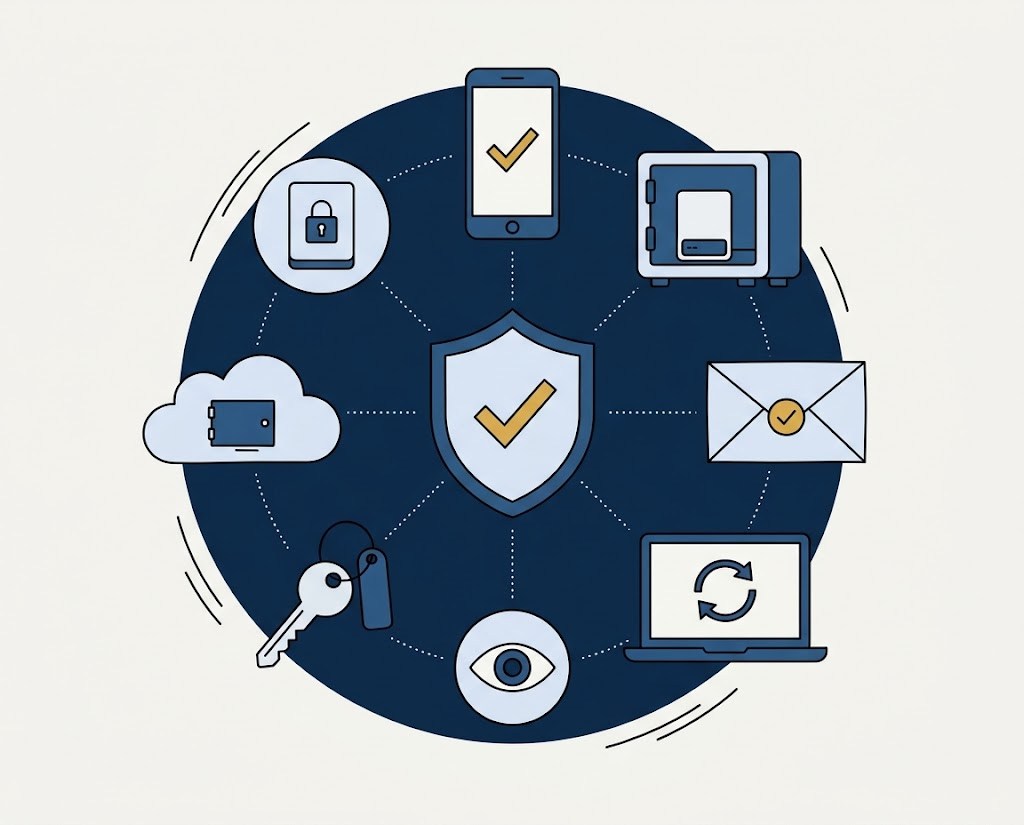
These are the security controls that most influence how UIG assesses cyber risk. None of them is unusual or exotic. Together they stop most of the attacks we see. Where you're missing one, we'll tell you how it affects your terms, and what would change that.
Multi-factor authentication (MFA)
Why it matters: Stolen passwords are behind a large share of business email compromise and ransomware. MFA stops most of those attacks outright.
What good looks like
- Enforced for all users on email and cloud apps, with no standing exemptions
- Enforced for VPN, remote desktop gateways and remote-support tools
- Phishing-resistant methods (app-based number matching, FIDO2 keys) for administrators
- Legacy authentication protocols disabled
Privileged access
Why it matters: Attackers who gain admin rights can disable defences, delete backups and deploy ransomware everywhere at once.
What good looks like
- Separate admin accounts not used for email or browsing
- Small, reviewed list of domain/global admins
- Local admin rights removed from standard users
- Admin activity logged and alerted on
Backups and recovery
Why it matters: Backups decide whether a ransomware attack is an expensive week or an existential crisis.
What good looks like
- At least one copy offline or immutable
- Backup credentials separated from the main domain
- Restore tests of critical systems at least annually, with results recorded
- Known recovery time for the systems that generate revenue
Endpoint detection and response (EDR)
Why it matters: Modern attacks rarely use known malware. EDR spots suspicious behaviour and can isolate a device quickly.
What good looks like
- EDR on all servers and workstations, not just antivirus
- Alerts monitored, ideally 24/7 through an MDR/SOC service
- Tamper protection enabled
Patching and external exposure
Why it matters: Unpatched internet-facing systems (VPNs, firewalls, mail servers) are among the most common ways in.
What good looks like
- Critical patches on internet-facing systems within days, others within 14–30 days
- No remote desktop (RDP) exposed to the internet
- End-of-life software and devices replaced or isolated
- A current inventory of internet-facing assets and domains
Email security and payment controls
Why it matters: Business email compromise and invoice fraud cause frequent, costly losses for South African businesses.
What good looks like
- SPF, DKIM and DMARC published, with DMARC at quarantine or reject
- Advanced filtering of attachments and links
- Bank detail changes verified by call-back to a known number
- Dual authorisation for payments above a threshold
Cloud configuration
Why it matters: Cloud platforms are secure by design but not by default. Configuration is the customer's responsibility.
What good looks like
- Audit logging enabled and retained (e.g. Microsoft 365 unified audit log)
- Conditional access policies and restricted external sharing
- Alerts on risky sign-ins and mailbox forwarding rules
- Infrastructure-as-a-service accounts protected with MFA and least privilege
People, plans and suppliers
Why it matters: Technology fails without people who know what to do, and suppliers who are held to a standard.
What good looks like
- Phishing awareness training and simulations
- A written incident response plan, tested with a tabletop exercise
- Security requirements in contracts with IT providers and key suppliers
- Supplier remote access restricted, logged and protected by MFA
Want to know how your controls look from the outside? Start a Cyber Risk Check.
Get a Cyber Risk Check